§ About
Built for professional reading
Professional prompting is more than moving text up a screen. It gives the presenter a comfortable, consistent reading position, keeps the operator in control, and lets the production adapt without interrupting the read.
From independent creators to broadcast teams
TeleprompterHDX adapts to the scale of the production rather than asking every user to work like a television control room. Creators set up a focused reading view for direct-to-camera work. Presenters, educators and trainers keep a message flowing naturally in a meeting, lesson or keynote. Event teams coordinate cues and last-minute wording changes. Studios and broadcasters add structured stories, tactile control, network output and compatible SDI hardware when the workflow needs them.
That range matters because the core challenge is shared: the reader needs confidence, and the operator needs a dependable way to keep the script moving. Whether there is one camera or many screens, the prompt stays at the centre of the production.
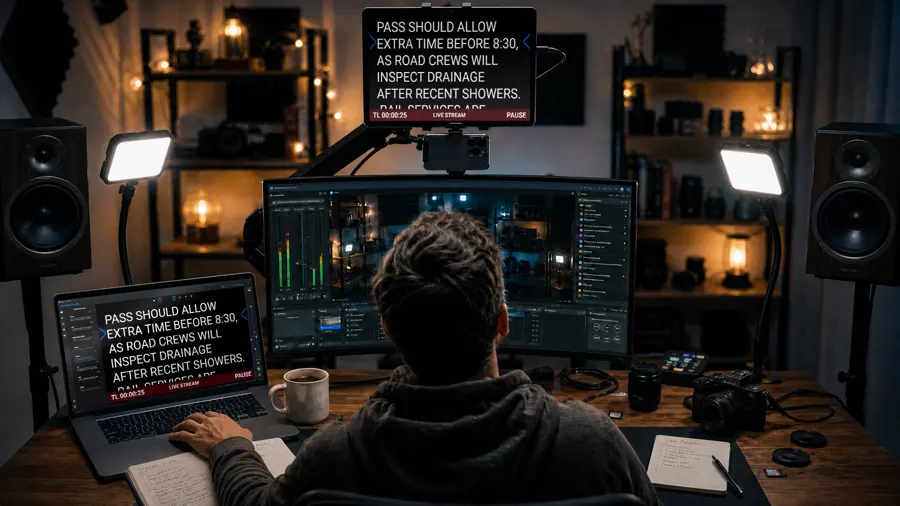
Professional where it matters
Live production needs clarity when the script changes and calm when the output is busy. TeleprompterHDX keeps active outputs synchronized with the live prompt, so a screen in the studio and a feed to the gallery stay in step even while the operator is editing.
-
Approach
Assist, do not replace
Story automation reduces repetitive intervention. Every behaviour keeps a clear manual path available at each point.
-
Scope
Start small, grow later
A laptop and a second monitor is a complete setup. NDI, SDI and browser displays are there when the production asks for them.
-
Outputs
One interface, many outputs
The operator works in one window while the same prompt reaches a second screen, an NDI destination, an SDI card and browsers on the network.
See it in the application
Every capability is listed with what it needs to run.