Professional teleprompter software
One prompt. Many screens.
Run TeleprompterHDX on Windows and show the live prompt on tablets, phones and other computers through a compatible browser on the same local network. Use a second monitor, NDI or DeckLink/SDI for dedicated outputs. The included NDI HDX Receiver can show the NDI feed on another Windows PC's monitor.
Upgrade your production with prompting built for confident delivery.
- Second screen
- NDI
- DeckLink / SDI
- Browser displays
One render source, delivered through the output path your production needs.
§ The workspace
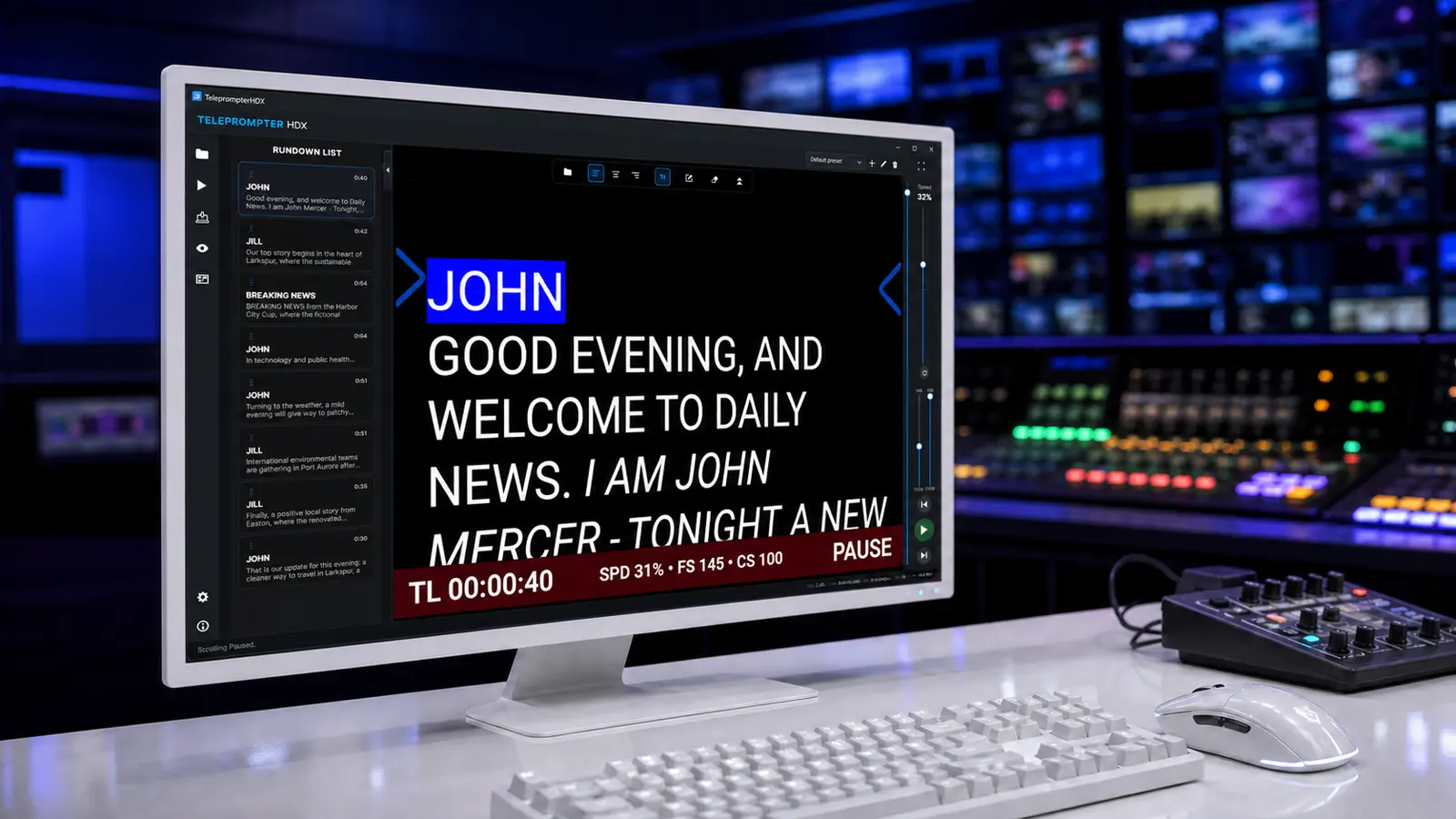
An intuitive workspace built for professional production
Keep the rundown, prompt and essential controls together in one focused workspace.
§ Story automation
More than scrolling text
A structured script has natural boundaries. TeleprompterHDX can act on them, so the operator intervenes less — and every behaviour keeps a manual path open.
§ Render and outputs
One render source, many outputs
TeleprompterHDX creates the prompter picture independently of the operator interface, so the same clean output can feed the main preview, a second screen, NDI and DeckLink / SDI at the same time. Each output is switched on independently, so a production only runs what it actually needs.
Browser displays are drawn on their own path: they receive a synchronized prompt rather than a video stream, so an ordinary laptop or tablet can act as a screen.
§ Rundown
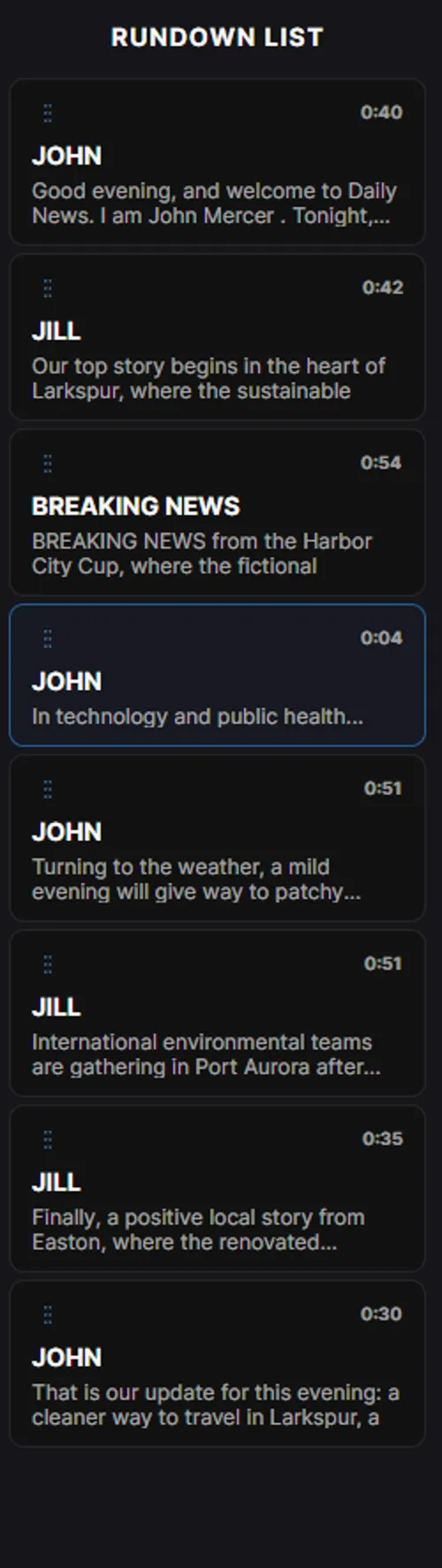
A rundown inside the prompter
Mark story headings and the script becomes a navigable running order: a number, a clean title, a preview and an estimated duration for every item.
- Jump straight to a story, or step to the previous or next one
- The active item follows the reading pointer
- Reorder by drag and drop, formatted text stays with its story
- Hide titles from the prompter while keeping them for navigation
§ Editing
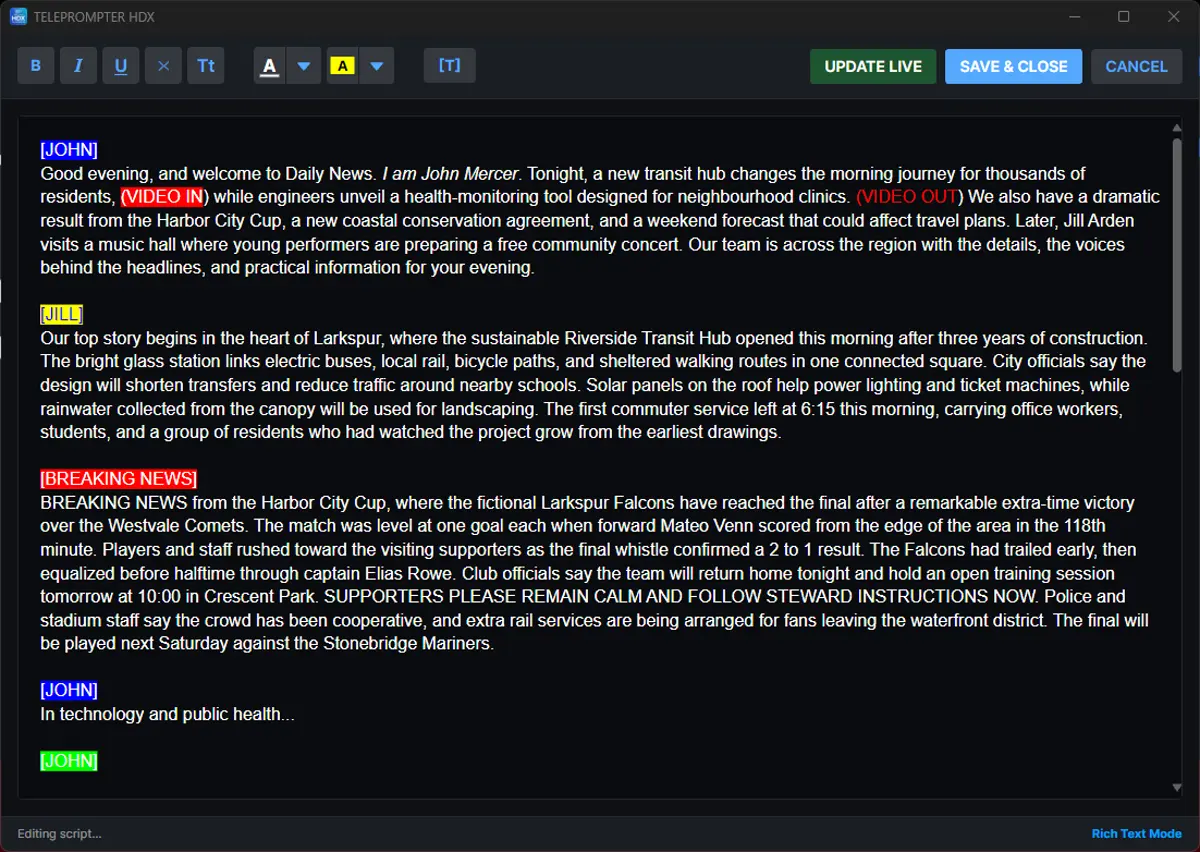
Edit without breaking the show
Corrections arrive after the script is already prepared. The integrated editor handles bold, italic, underline, text and highlight colour, uppercase conversion, clearing formatting and context-aware titles.
UPDATE LIVE applies prepared edits to the running prompter without closing the editor — a deliberate moment to check a change, then put it in front of the reader.
§ Information bar
Put production information on the prompter
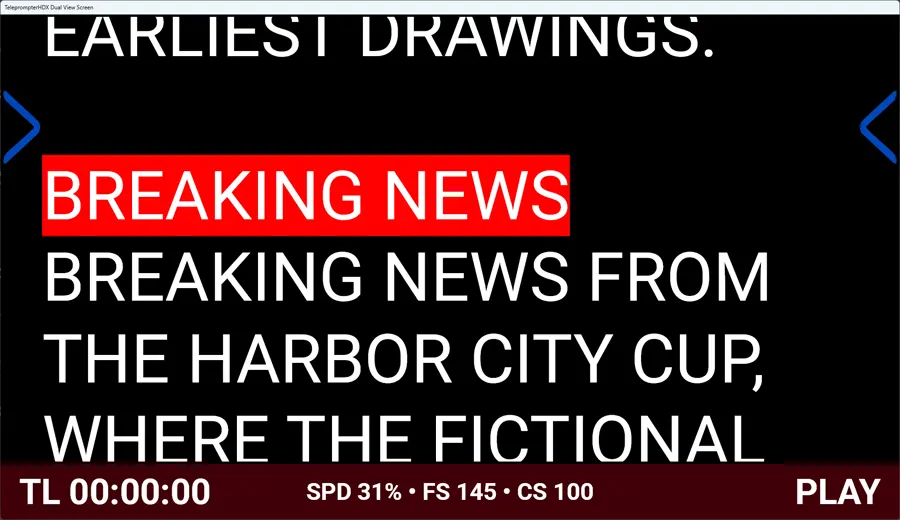
The rendered prompt can carry more than the spoken script, so a timing reminder or a technical cue sits where it is easy to find.
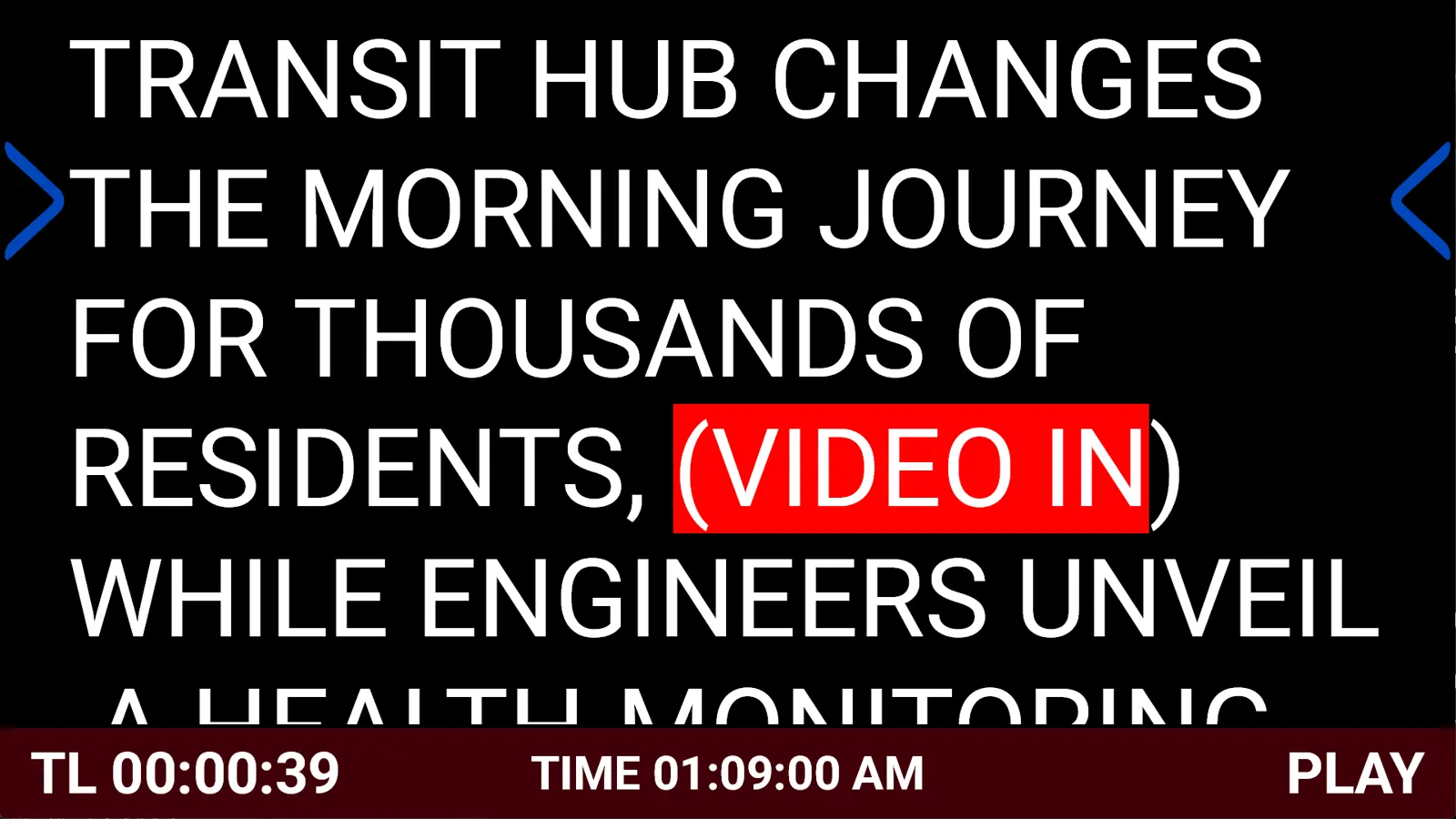
- Time remaining
- Timed-pause countdown
- Clock
- A message from the operator
§ Control
Control from where you work
Keyboard and mouse
Customizable shortcuts for play/pause, speed, story navigation, font size, opening or editing a script, and fullscreen modes. Conflicts are detected and settings can be restored.
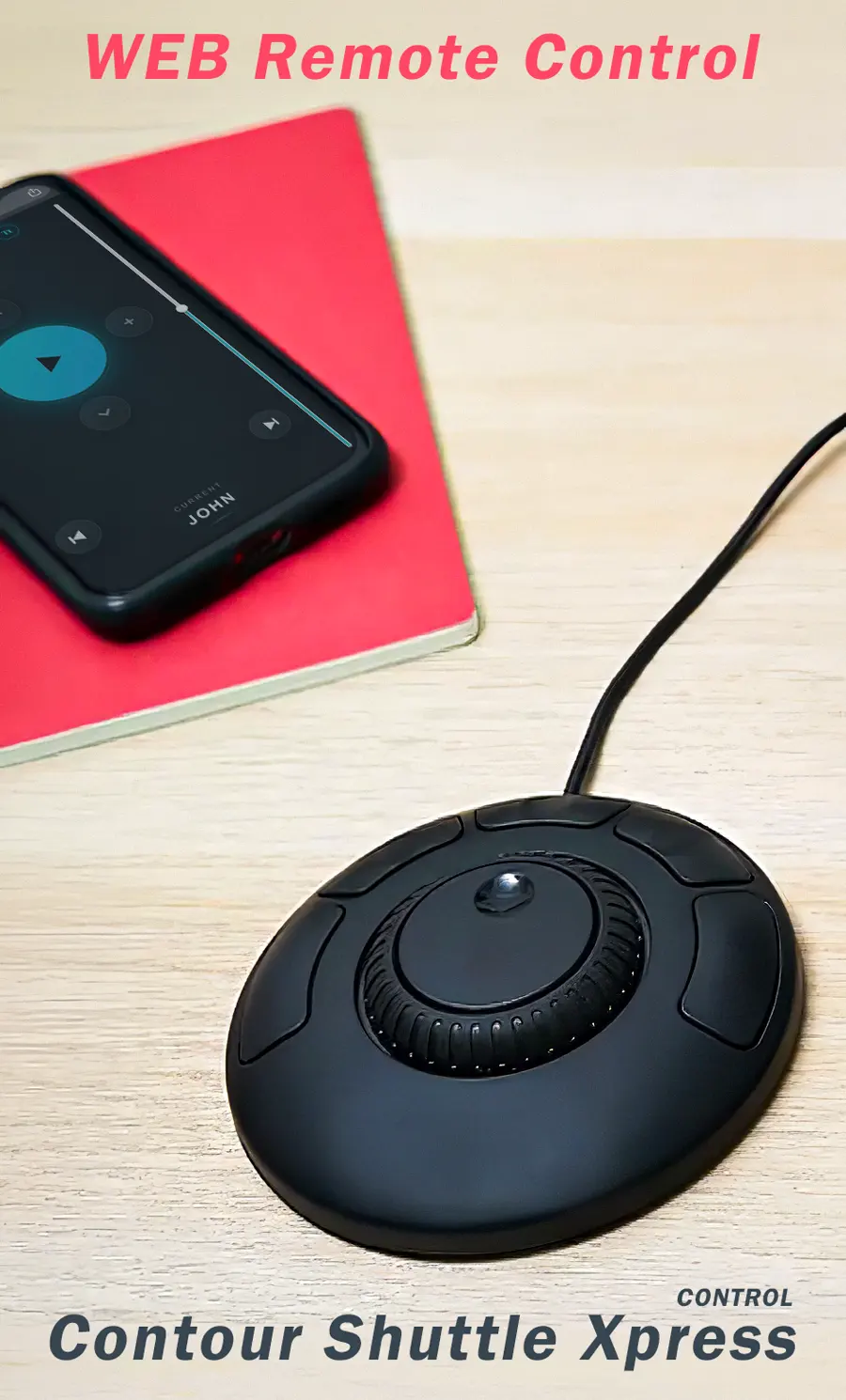
WEB Remote control
A phone, tablet or another computer on the same network becomes a control surface — play/pause, speed, position, story navigation, font size, Force Uppercase and manual movement — without rendering the full prompter.
Contour ShuttleXpress
A shuttle ring for speed, a jog dial for fine movement and five mapped buttons, for when the operator needs to watch the room instead of a keyboard. The controller is sold separately.
§ Scale
From a laptop setup to a broadcast studio
The same application supports the smaller setup and the larger workflow, so teams keep familiar prompting practices as a production grows.
-
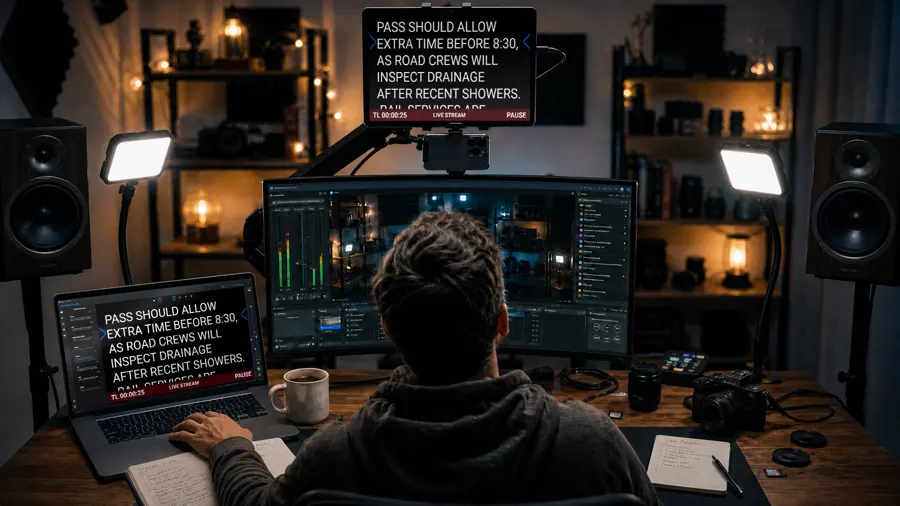
Creators
Import a script, choose a comfortable font and reading width, set the pointer and background, and use a directly connected second display.
-
Events and corporate
Fix speaker wording in the editor, apply it with UPDATE LIVE, put timing or cue notes on the output, and let producers follow the same prompt from browsers on the network.
-
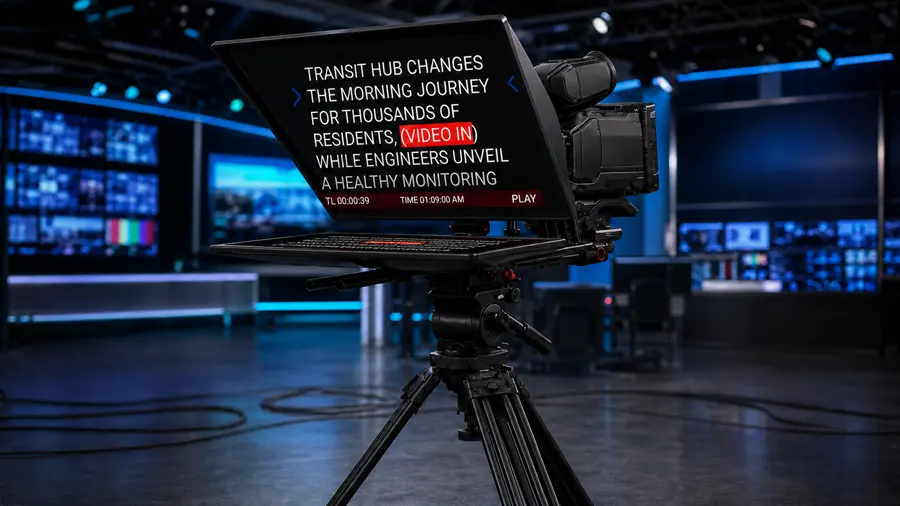
Studio and broadcast
Work a structured rundown with shortcuts or a jog controller, and deliver the prompt over NDI to your switcher, multiview or monitors — or through a DeckLink card into SDI.
Bring professional prompting to your production
Start with the complete TeleprompterHDX workflow and expand into network, browser and SDI outputs as your production grows.